
Avast Antivirus is an Android tool application offered by Avast Software. It has more than a hundred million downloads on the Play Store. It’s also on #9 in top-grossing tool applications. Perfect your device against viruses, malware, phishing, trojans, browser securely on the internet using the built-in VPN, and get many more features in Avast Antivirus.
Best Antivirus App
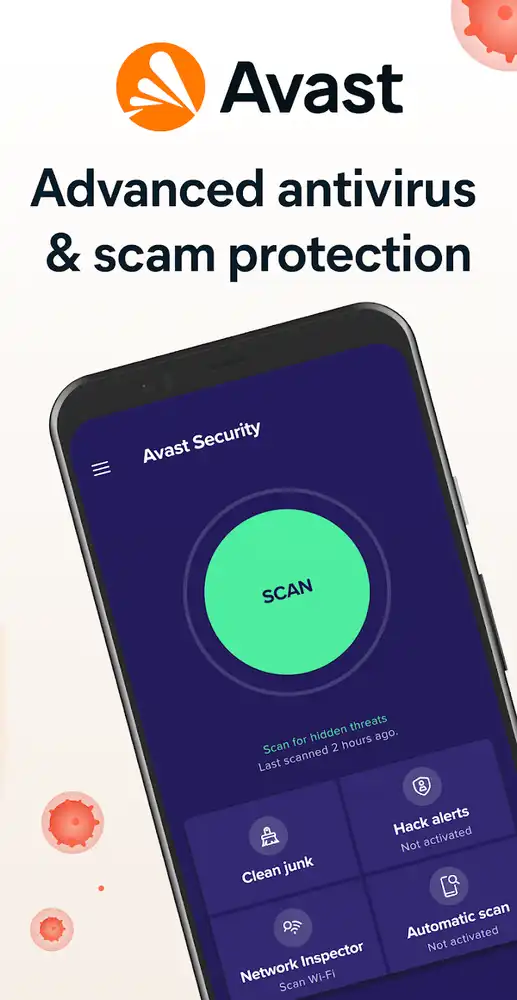
Avast Antivirus is one of the best antivirus apps, both on mobiles & computers. It protects your device against various types of threats such as Adware, Banking Trojans, Clickers, Cryptominers, Downloaders, Fake Apps, Ransomware/Lockers, Roots, SMS Trojans, and Spyware. You can manually scan for viruses or set up real-time protection that scans every new file automatically. These securities come in their app shield & file shield. It also has a web shield that warns you of malicious websites to give you safer browsing. Additionally, it has an in-built VPN, app lock, anti-theft, and photo vault features.
User-Friendly Interface
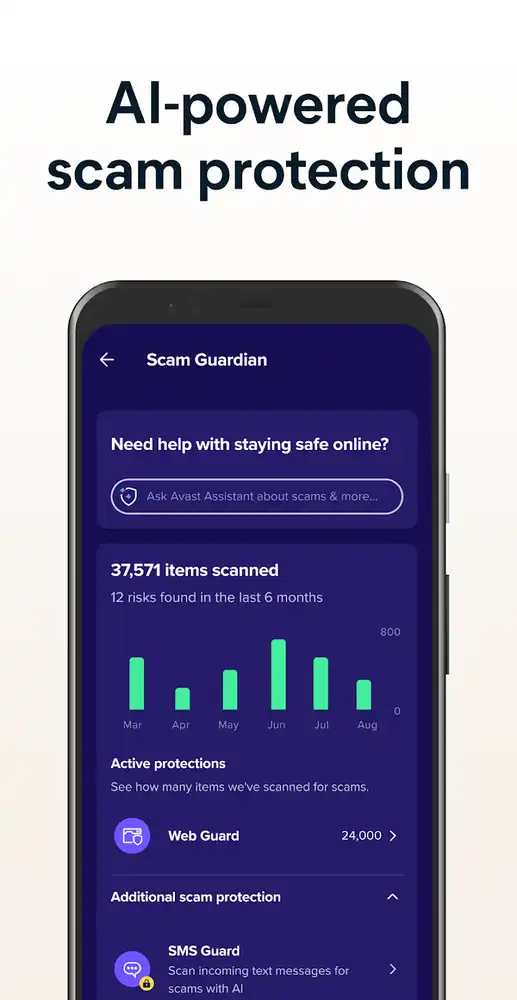
It has a user-friendly interface. You can easily navigate to its different tabs and use them. It shows a big green button on the upper half of the screen that is for scanning the device. If there’s an issue to resolve, that button turns red. Below that, it has all the tools arranged in grids. You can use the hamburger icon at the top left corner or just swipe right from the left side to open the menu. It comes with a dark & light theme. You can choose any theme you like.
Built-in VPN
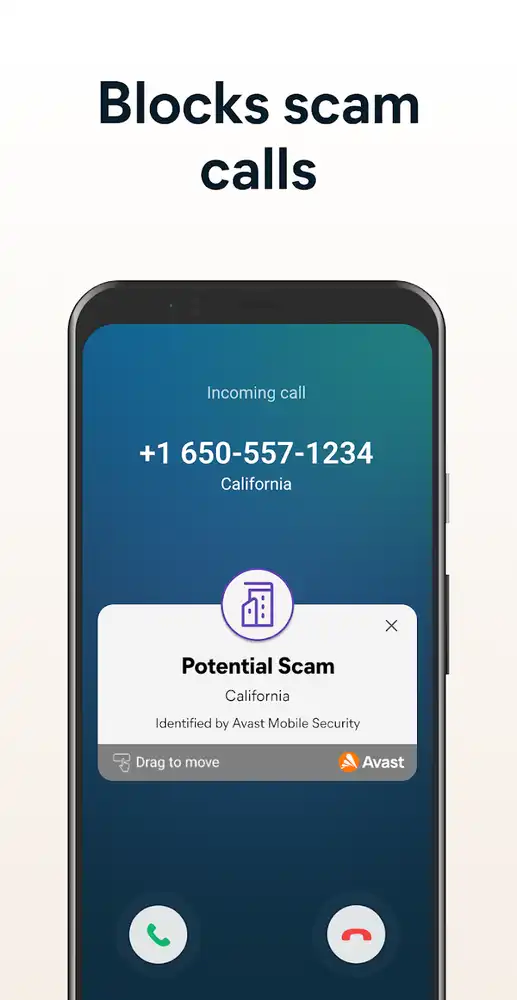
These days browning is not safe. Hackers try to steal your info and track your online activities. That’s why Avast comes with an in-built VPN that allows you to browse the internet safely. It encrypts your connection and hides your online activities from hackers as well as ISP. It also lets you change your IP address and access the geo-restricted apps, websites & streaming services.
Anti-Theft
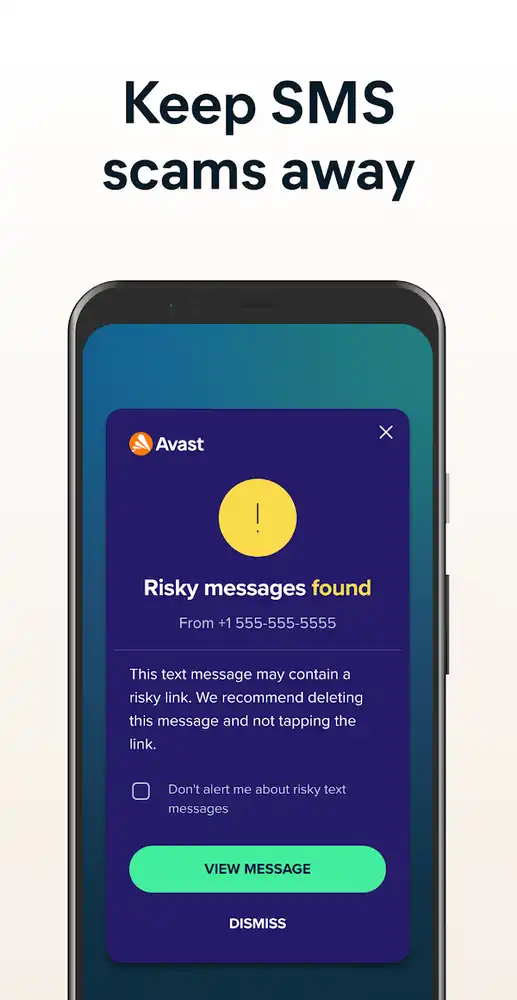
Anti-theft is a great feature. It allows you to remotely find your device if it goes missing or someone steals it. You can log in with the Avast account that you can use to remotely lock your device & control some of its functions. When you enable anti-theft and someone enters the wrong password 8 times, Avast will lock the device and automatically capture the photo of the thief. You can access those photos on any device using your Avast account. Until you enter the PIN, your device will be unusable.
Secure Your Data from Unwanted Users
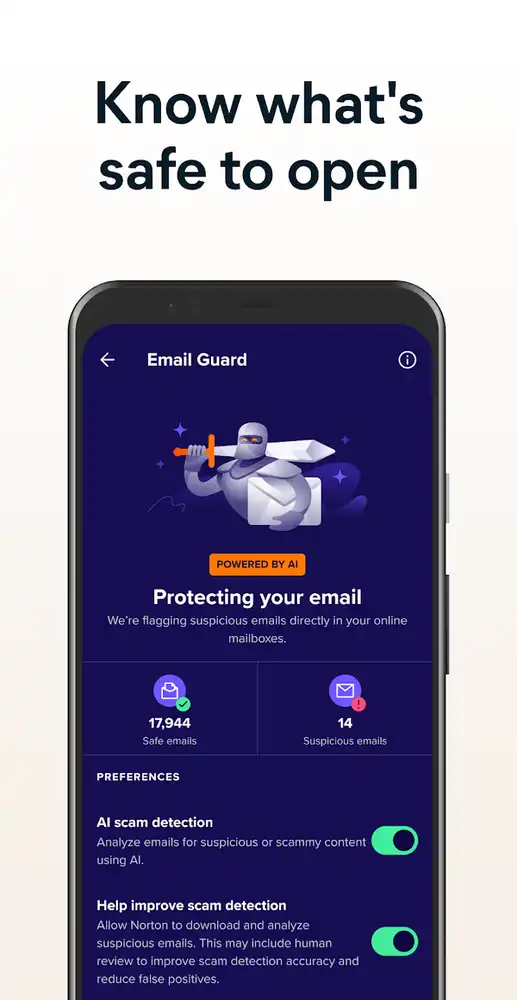
Avast comes with app lock and photo vault functionalities. You can lock sensitive apps using a password, pattern, or fingerprint. This way, even if someone takes your device, you don’t have to worry that they will access the apps. You can also move your photos into the vault and set up a password. Without you, they can’t open any apps and access your private photos. Everything is secure with Avast Antivirus.
FAQ
Is this APK safe to use?
Yes. It doesn’t require rooting for the installation. None of your entered data is shared with any party. It is completely safe to use.
What does real-time protection do?
Real-time protection always scans the newly added files and apps automatically in your device.
Which premium features are we getting in this MOD?
You are getting advanced protection, automatic scan, app lock, VPN protection, and real-time protection features.
What is the app insights feature?
This feature shows how much space each app is taking and how much time you spend on each app. It helps you decide which app to remove.
Verdict
Avast Antivirus MOD comes with the file shield, web shield, app shield that scans for infected files, malicious websites, and fake apps to protect your device. With its VPN, you can securely browse the internet and access restricted services. Its photo vault keeps your pics safe from unwanted access. It has all the necessary tools to keep you safe.


