
VSCO: Photo & Video Editor is a photography app offered by VSCO. It has more than hundred millions of downloads on the play store. If you are looking for an app to edit your photos with awesome presets and create montage, then VSCO is the best app which provides hundreds of filters and tools to edit your photos.
Overview
VSCO is a photo editor that lets you edit your photos with its advanced editing tools like HSL, crop, text, tone, skin tone, split tone etc. Editing their photos before sharing on social media is so common now and everyone looks for an editing app with awesome features. With VSCO, users can edit their photos and can create montage with photos, collages and videos. Vintage, Fuji, B&W, Kodachrome, Valence and so many other presets are included in it. It’s also a social community app. You can make your profile and post your pics on it. You can also follow other users and see their photos.
Easy-to-Use Interface
It has an easy-to-use and user-friendly interface. You can easily navigate between Feed, Discover, studio and Profile tabs with its fixed footer. In the Feed tab, you can see the latest posts of other users. In Discover, you can search images, people and journals. You can manage your profile, photos and see messages & notifications in the Profile tab. In the Studio tab, you can see your edited photos and photos captured with VSCO. You can also customize the filters and tools’s position in the list. If there is a tool or filter that you always use but it’s last in the list, then you can customize it and put it in the starting. So you don’t have to swipe to the last.
Photo Editor Tools
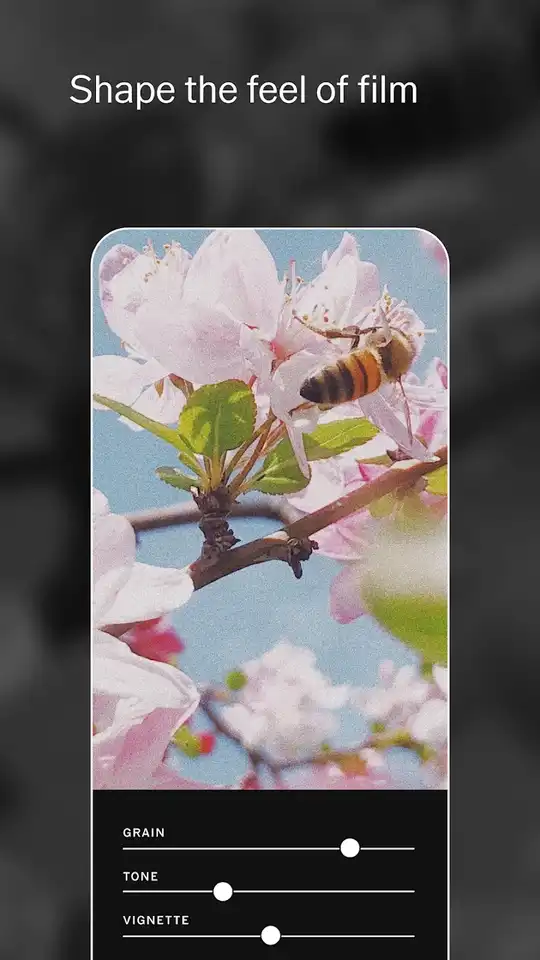
VSCO has many advanced photo editor tools. You can add text and customize the text’s color, size, font styles, alignment and rotation. Adjust exposure, contrast, sharpen, clarity level, saturation and fade level of the photos easily. You can also change the shadow and highlight levels. With HSL, you can change any color’s HSL attributes. HSL tool automatically detects all the colors in the pic. Then you can select any color and customize that color’s hue, saturation and lumination. With Hue, you can change that color’s wavelength. Saturation allows you to change the depth & intensity and with the lumination, you can change the light level of the color.
Filters
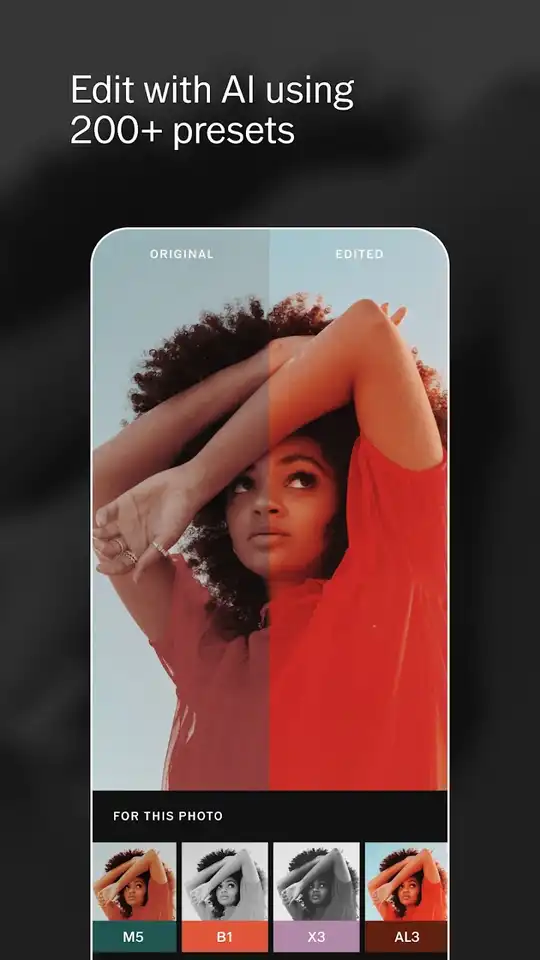
When you apply any filter, it changes the whole pic’s color attributes. It contains 200+ presets. You just have to choose any preset and then there will be no need to adjust the pic’s exposure, HSL, contrast, shadow etc. attributes manually. In B&W filter, you get 17+ awesome presets. It provides many premium presets packs to use in your pics and make them more outstanding.
Video Editor
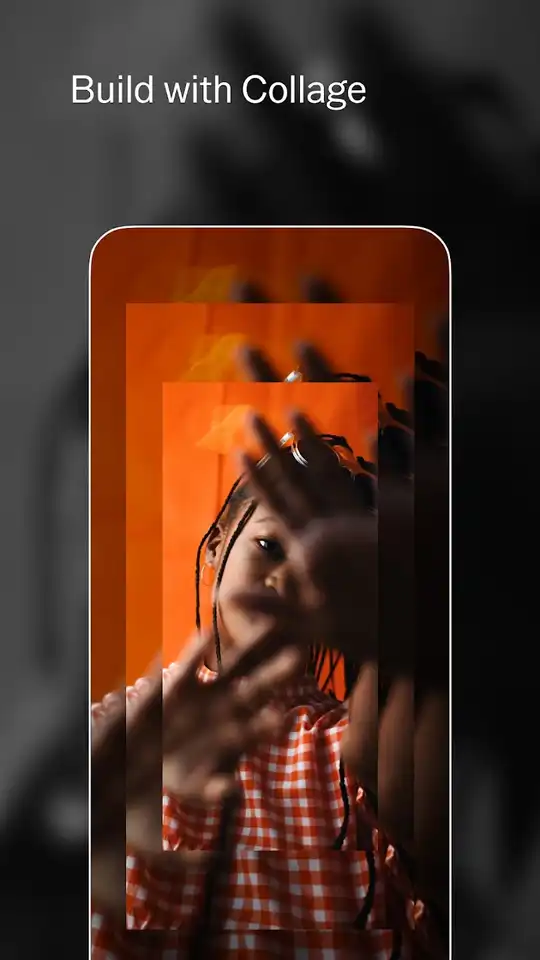
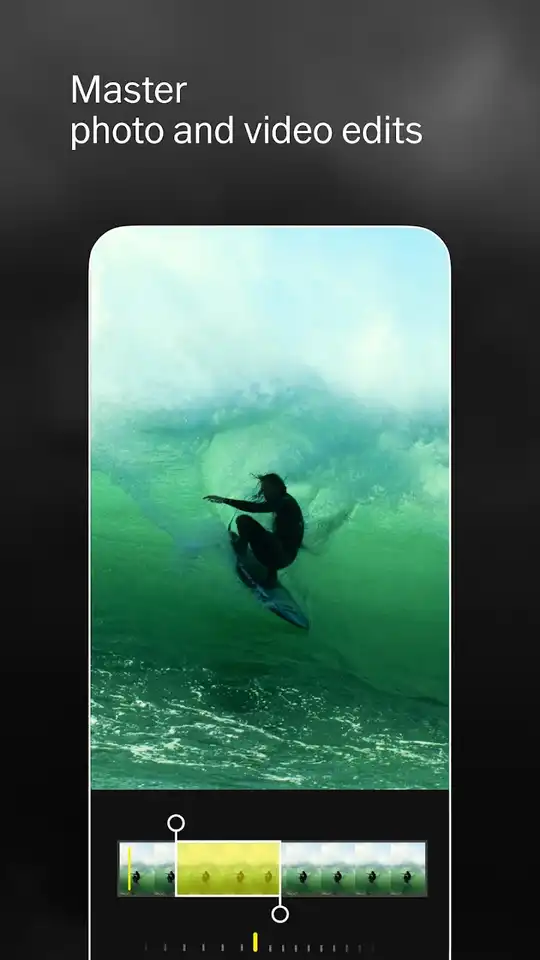
Not just the photos, you can also edit videos with this app. You can use all the presets and editing tools the same as the photo’s. It also has the chroma key to edit the videos with awesome background. You can combine multiple videos, add layers and adjust opacity.


