
CapCut is a video player & editor application offered by Bytedance Pte. Ltd. It has more than hundred millions of downloads on the play store. If you are looking for a video editing app with all editing tools, then CapCut is best for editing and creating your awesome videos.
Overview
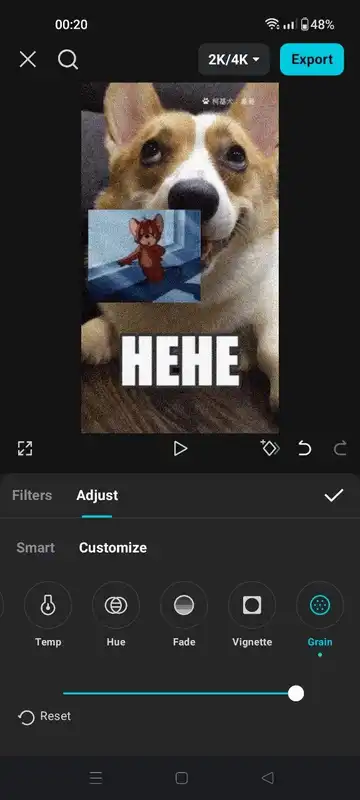
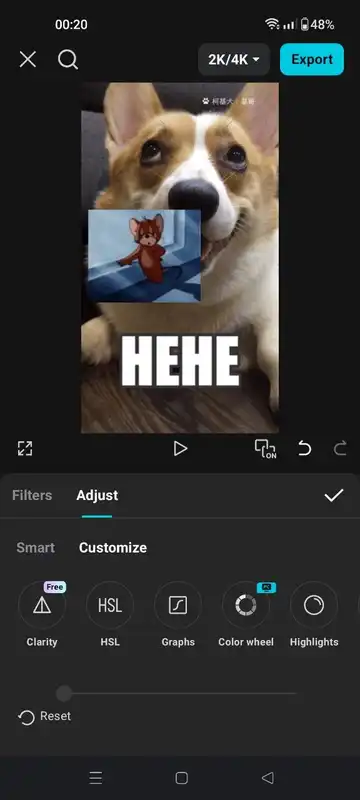
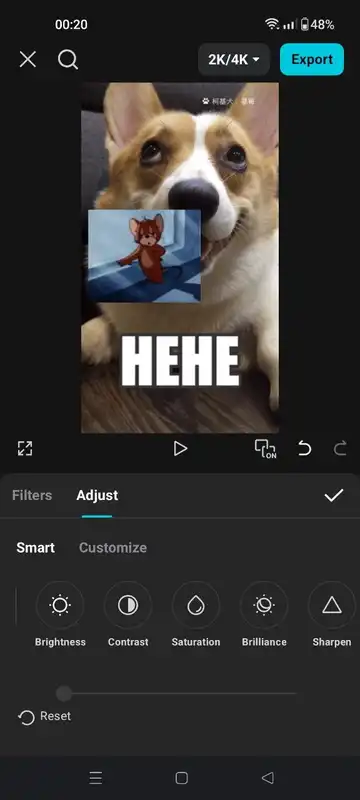
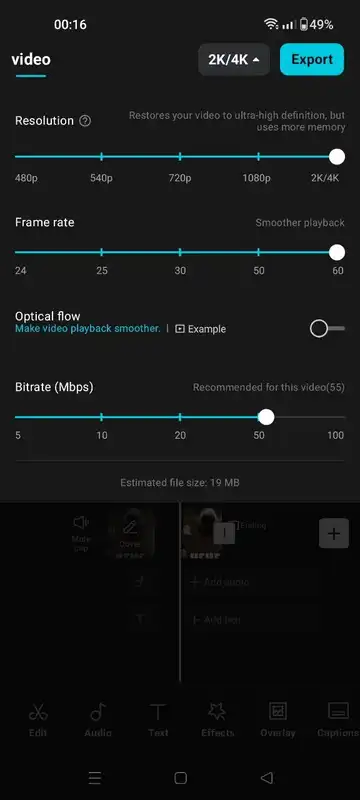
Social media apps are a popular source of sharing their stories, memories and funny videos. But people can’t just share their full, dull or unrefined videos on social apps. So everyone looks for an video editing app that helps them to edit their videos with ease and has all editing tools. And CapCut is just the right app for these purposes. It includes all tools along with awesome effects, filters, animations, chroma key etc. You can add stickers, text, audio and adjust the attributes like brightness, contrast, saturation, exposure etc. You can export videos in upto 1080p and 60 fps.
Easy-to-Use Interface
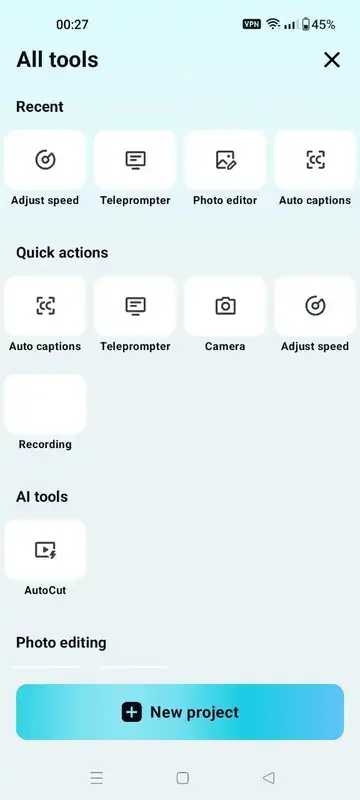
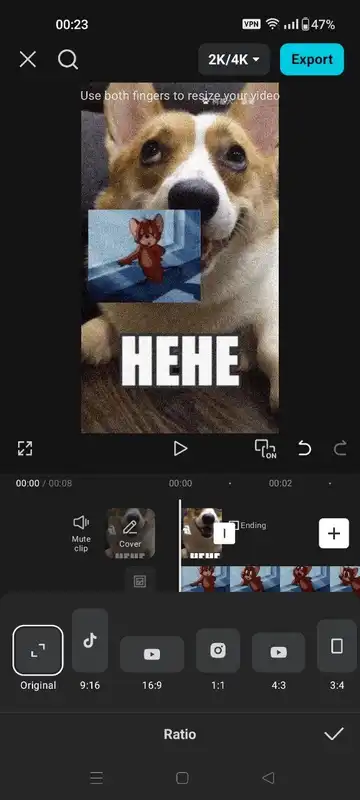
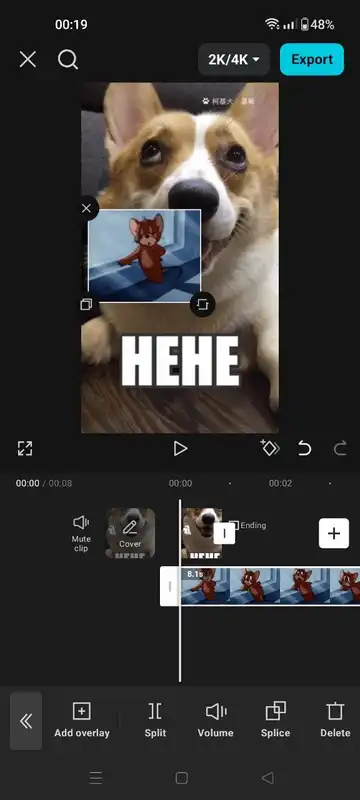
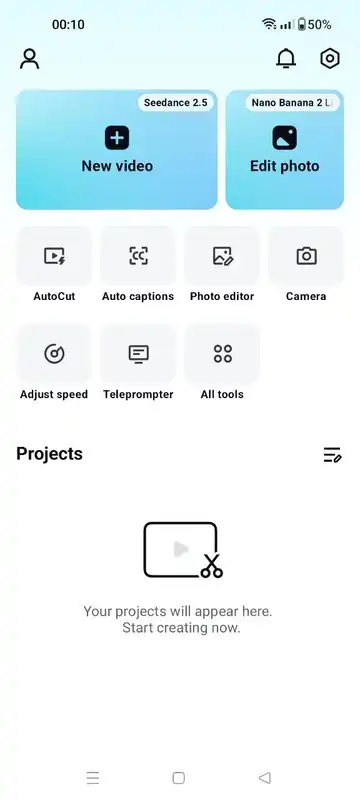
It has an user-friendly interface. It’s upper one-third screen is covered by the “New Project” option that you can use to start editing new video. And below it is the projects section where you can see all your edited videos. Tap on any of these video projects to continue your editing. It will also show all the previous applied effects. Tap on the new project to start editing new video. Then select the video from the album. You can crop the selected video to edit or also import the full video. Tap on the video timeline to see all the video editing tools. You can see “add audio” text below the video timeline. Tap on it and it will show options to add sounds, sound effects or voiceover. You can pinch the timeline to zoom it. After adding the audio, tap on the audio timeline for more audio editing tools.
Video Editing Tools
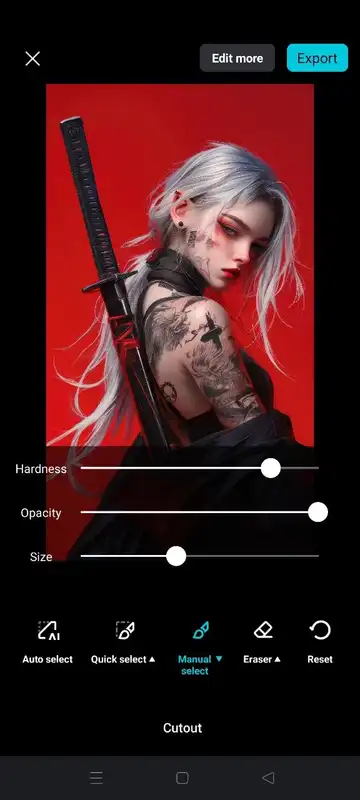
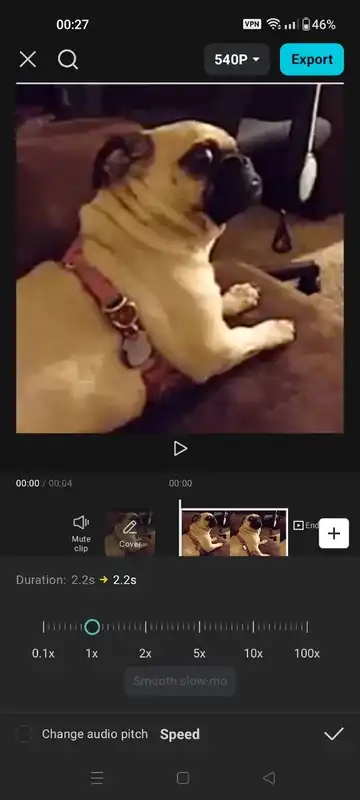
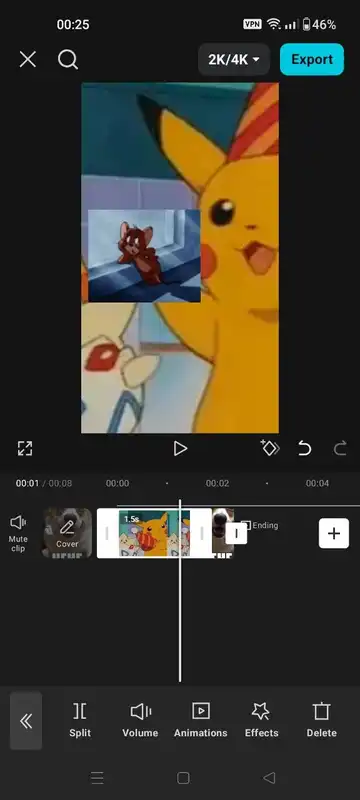
It has all the video editing tools. You can split the video, add another video or image as overlays, crop the video, change its attributes, opacity or freeze a part of the video. It has hundreds of animations you can apply at the opening, ending or throughout the video. With its background remover tools, you can remove the background. Use effects and filters from its huge collection and create awesome videos. You can also change the playback speed of the video. There are many speed presets you can use with one tap or create your custom speed curve to play the video at various speeds.
Audio Tools
It comes with a voice changer tool. You can change the voice in the video into chipmunk, deep, low or high pitch or distorted voice. You can add any audio file like song or sound effects into the video. You can export audio from another video and use it. It also has a voiceover tool so you can record the audio in the video in real-time. Adjust the volume, its speed or add fade-in & fade-out effects.
Effects & Filters
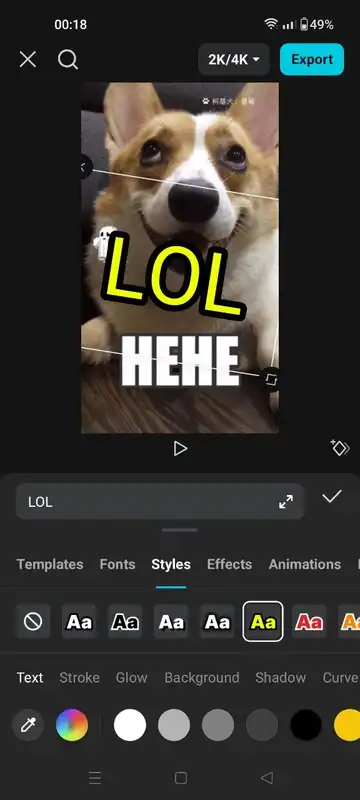
You can add text into your video. It has hundreds of text templates to choose from. Or add countless emojis & stickers. Sometimes adding a text improves the videos so much. Not just the text, you can also apply overlay effects, transition effects, filters and canvas. Stars, geatts, vintage, sunset light, blue negative, meteor, chrome-zoom, choose from a wide variety of effects.