
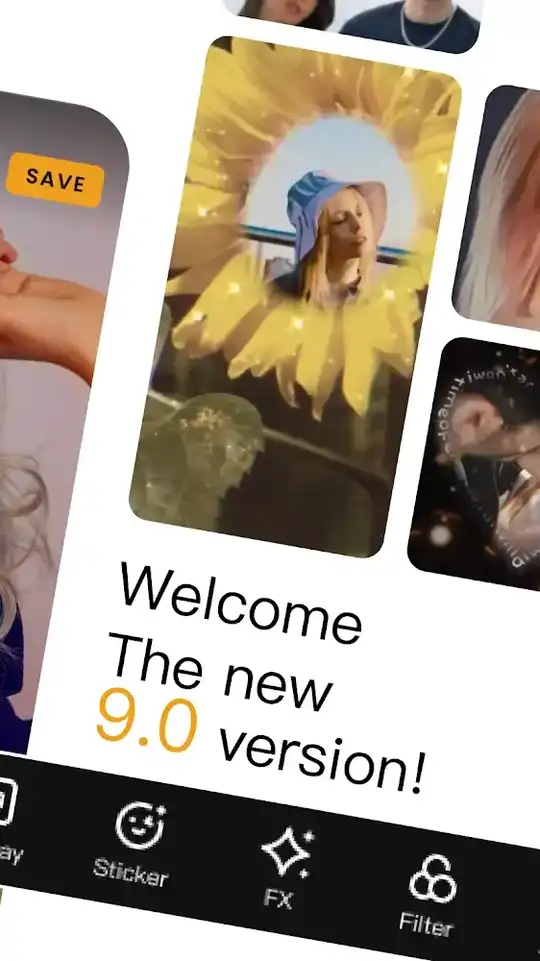
VivaVideo Pro is a video player & editor offered by “QuVideo Inc. Best Video Editor & Video Maker App”. It has more than hundred million downloads on the Play Store. Use the best video editing tools, hundreds of filters, effects, text styles, stickers and convert your videos into an amazing video.
Overview
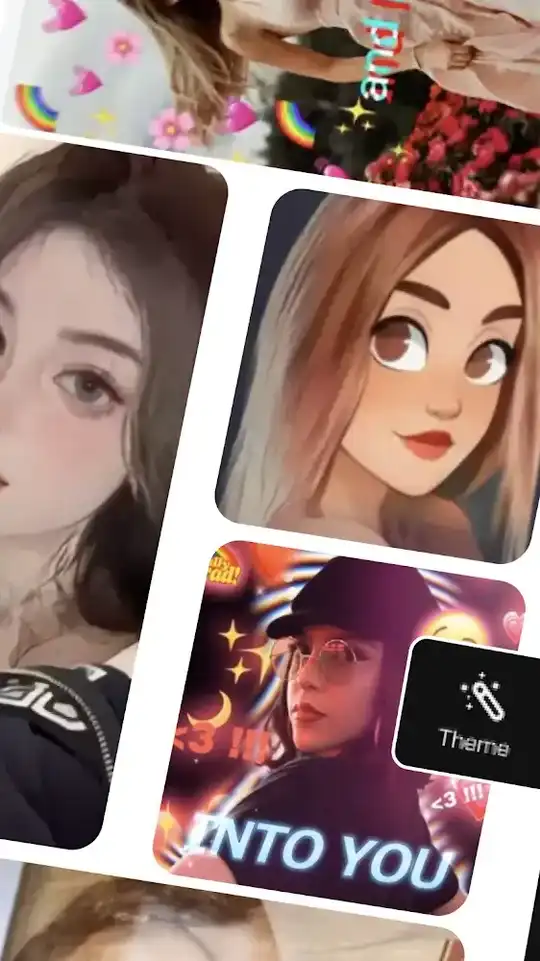
VivaVideo Pro is a video editing application that provides all the editing tools including chroma key. With this app, you can easily edit videos, create slideshows, convert videos into audio, add text, stickers and there is so much more to do with it. You can also download videos from FB or Instagram with it. It has many camera lenses. You can capture photos, record videos and apply live effects & funny lens filters. It includes so many ready-to-use templates. Using the templates, you only have to import clips and all the effects will apply automatically.
User-friendly Interface
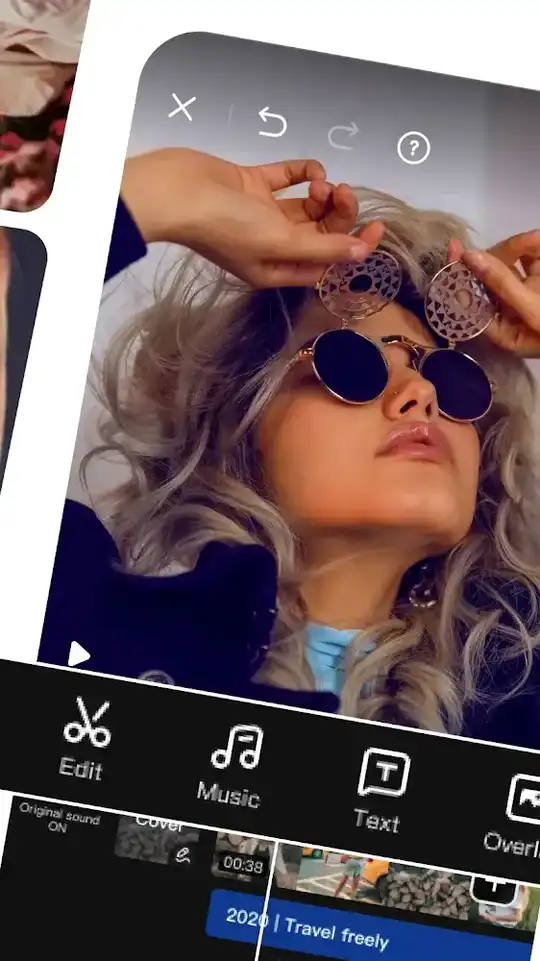
It has an easy-to-use interface. It has three tabs, Template, Create & Drafts, that you can easily navigate using the bottom navigation bar. In the template tab, it shows a category list on top followed by templates. It also has another section for tutorial videos. You will find all the videos on how to use the editing tools. In the create tab, it shows its various functions in grids like Edit, Video Saver, Add Text, Mixer, Shoot, Converter etc. Tap on any function you wanna use. In the draft tab, you can manage your finished & unfinished videos.
Video Editing Tools
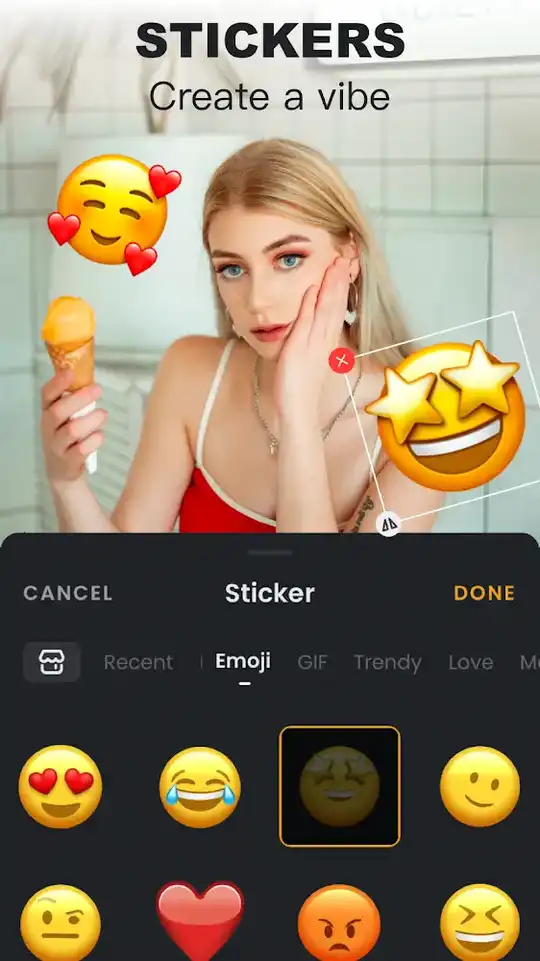
It comes with all the basic tools like split, trim, rotate, reverse, speed changer, custom background, canvas etc. You can change the speed from 0.25x to 4x. Some advanced features are voice changer, chroma key, hundreds of premium effects & filters. You can add a custom watermark in your videos. It has a mosaic to blur any area, thousands of stickers. You can also create PIP videos. With its amazing blending effects, videos will mix in each other perfectly.
Chroma Key Feature
Want to create a video with mind-blowing background just like movies? With chroma key, it’s easy now. To use it, you have to record a video with a plain color like full green or blue. First, import any video for the background. Then import the second video with a plain colored background. Now tap on chroma option on the action-bar. Then a color picker will appear on the screen. Select the color with it you wanna remove. Selected color will disappear and the first video will appear. And your video is complete with an amazing background.
Audio Editing Tools
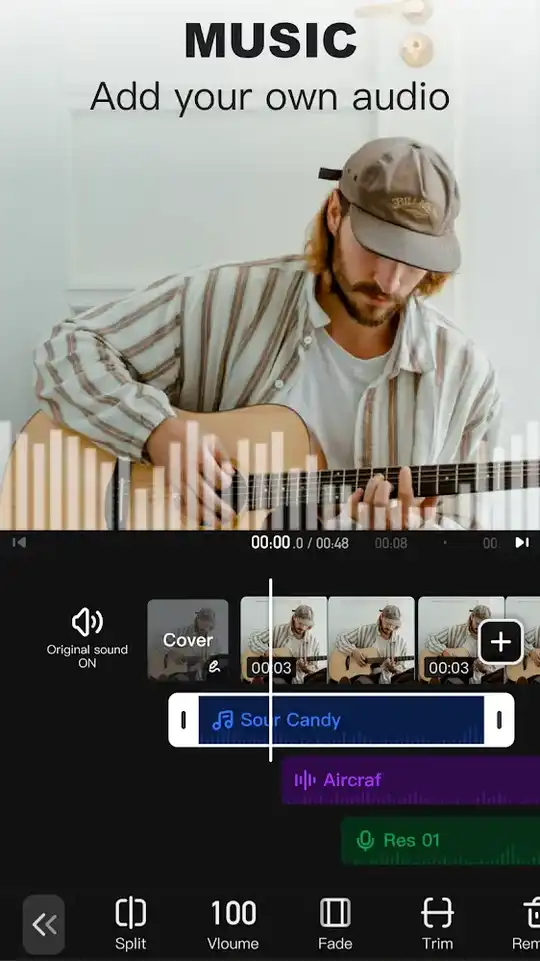
You can extract audio from any video you want with this app. It also includes lots of sound effects to use in the editing. You can change the pitch and convert the voice into woman, man, talking Tom or alien’s voice. You can also record audio live in the video.


