
WPS Office is an productivity app offered by WPS SOFTWARE PTE. TLD. It has more than hundred millions of downloads and is number 4 app in top grossing productivity apps on the play store. Create or Open presentation, spreadsheet, pdf, memo and any type of documents.
Overview
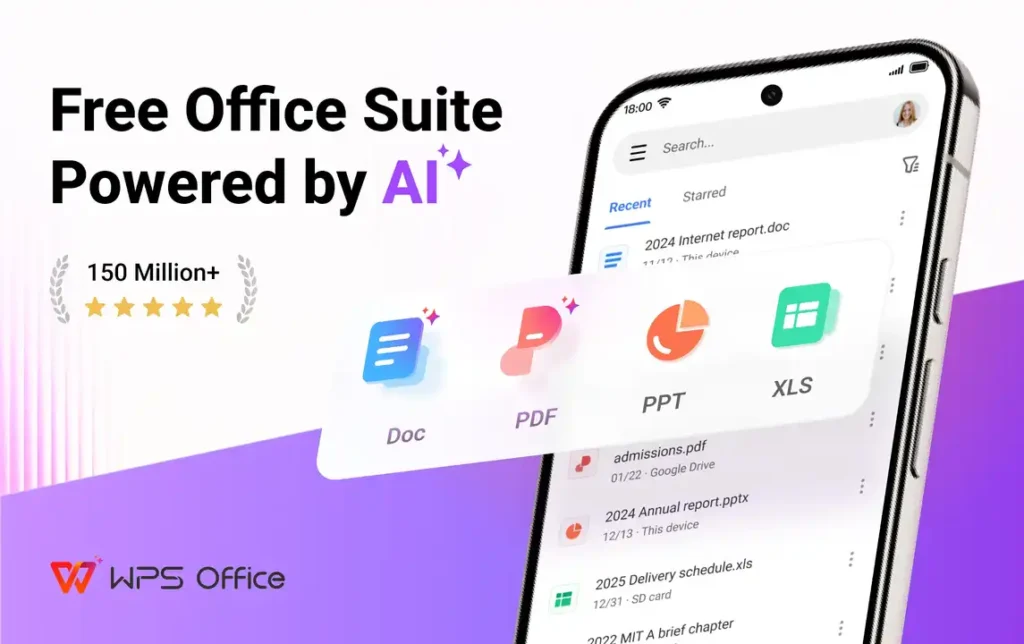
WPS Office is an app that allows you to open docx, ppt, xls, pdf, tst, xml, html and all other types of document files. You can create pdf, presentation, spreadsheet and memo with the tools it provides. It also lets you scan images and convert them into pdf, doc, excel, ppt etc. With it, you don’t need any other app to open any type of document file. You get pdf tools, school tools, image scanner and document processor tools in it. With school tools, you can extract all texts from any pdf, extract selected text from pdf or translate any document content into any language. You can also extract text from the pics.
User-Friendly Interface
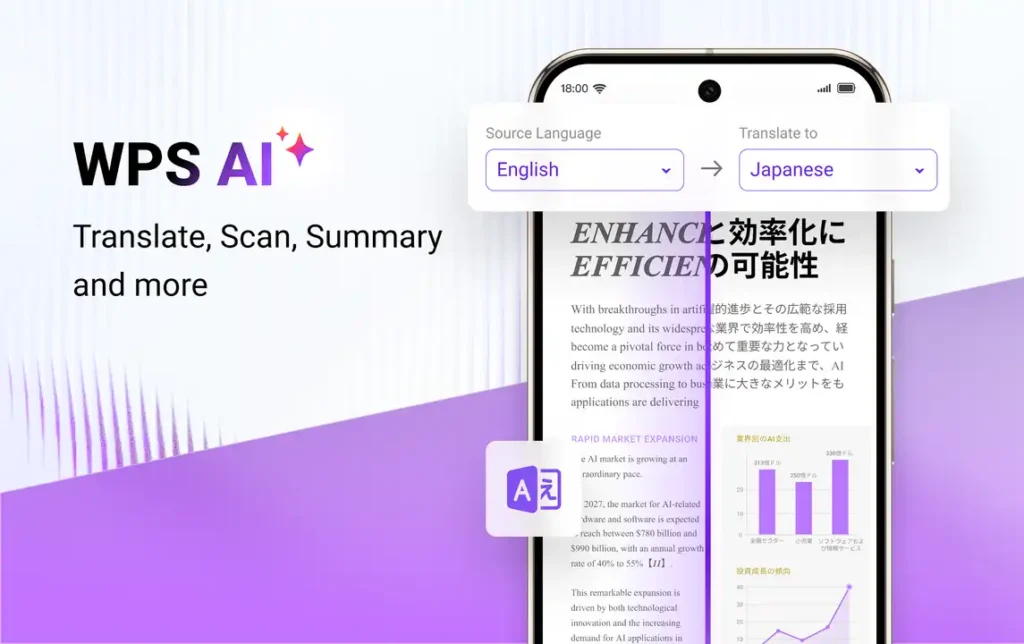
It has an user-friendly interface with no complex navigations. Easily navigate between various sections to access recent files, cloud, tools, templates and profile section. In the recent section, you can see all the files you opened recently and all the starred files. It shows categories and locations when you tap on the open option. You can navigate to the folder where the file is stored or select any category to see a complete list of the files stored in the device. In the tools section, you can see all the tools divided into tabs based on their roles like pdf tool, image scanner etc.
PDF Tools
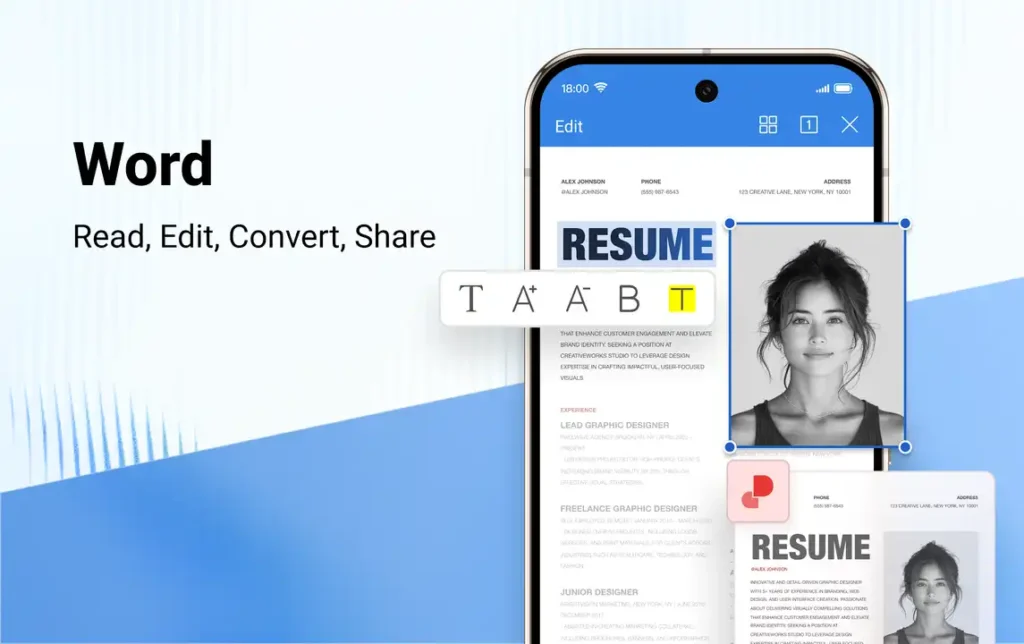
Access 12 PDF tools and easily customize PDFs. You can edit text and images in the pdf. Add custom watermark, signature, initial signature, signature date and protect the pdf with a password. It lets you create pdf files with presentations, forms and text documents. You can also convert pdf files into many other files like Doc, PPT, Excel etc.
Image Scanner Tools
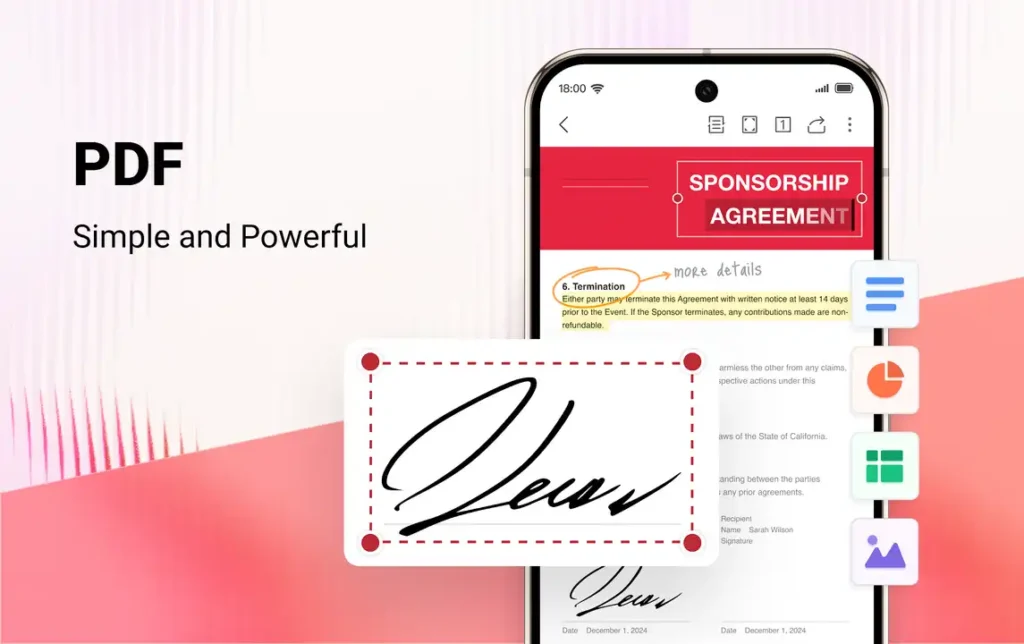
Image scanner is the best feature of WPS Office. It lets users create many file types from images. You can select multiple pictures or capture new pictures and convert them into a pdf. It recognizes the text in the pictures. You can edit the text and generate doc or excel files. You can also make a presentation from the pictures.
Templates
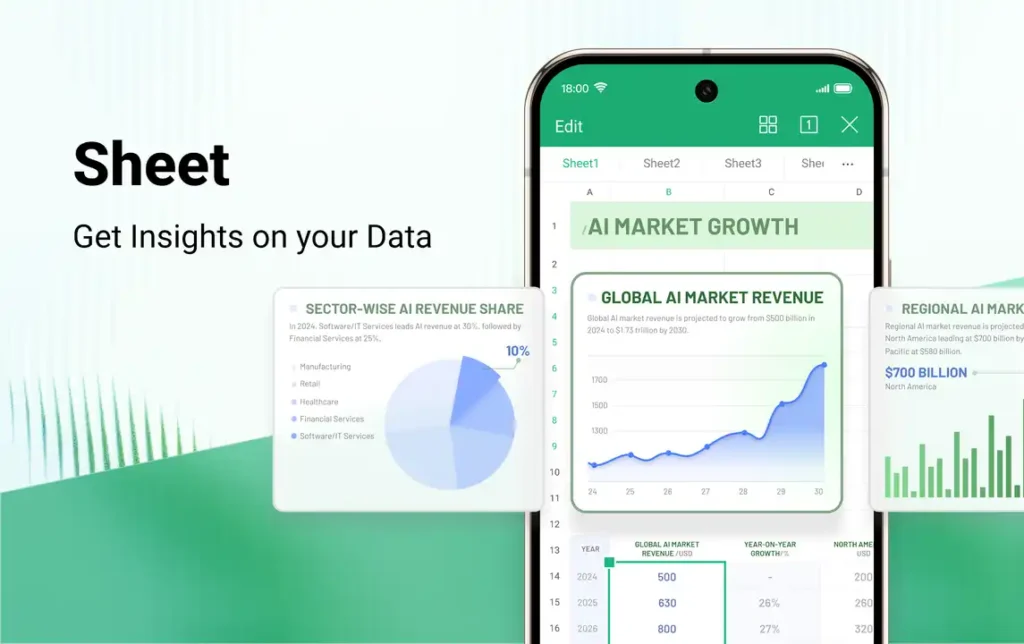
There are lots of templates you can use to create any documents. Letter, resume, work plan, poster, business card, there are templates for all of these. Choose any of the layouts or templates for excel, work & ppt and start working. Write a letter with awesome layouts, background, designs, nature, romantic, cartoons and so many choices. You can also change the font styles like Serif fonts, Sans serif fonts, Comic fonts, handwriting fonts etc.
Why Mods?
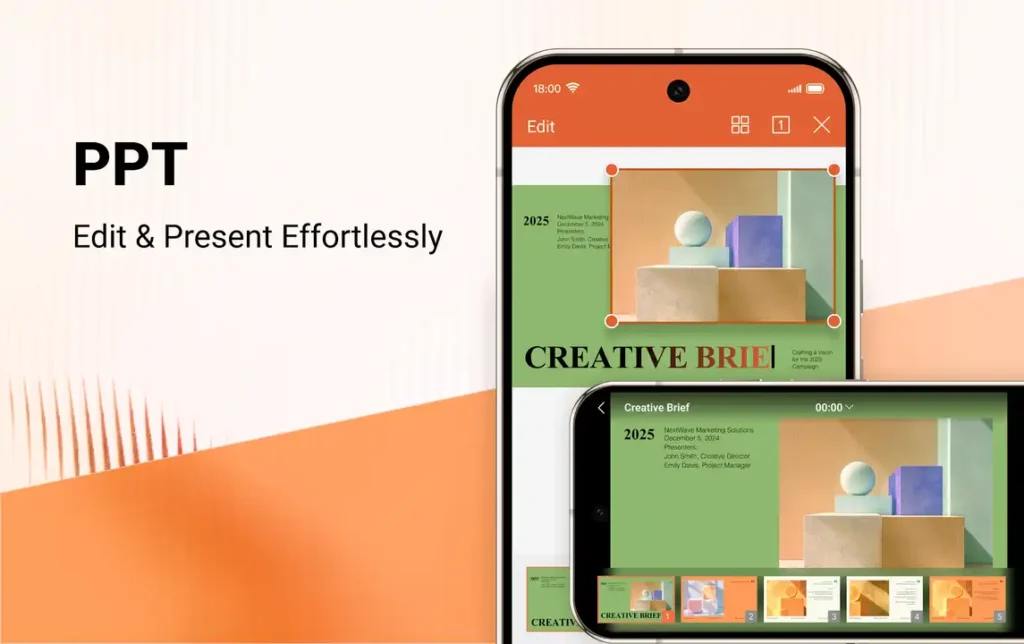
There are many tools, templates and fonts that are only available in the premium pack. Without buying the premium, you can’t use these features. PDF to Doc, PDF edit, PDF signature, custom watermark, picture to PDf, no ads etc. are some of the premium features. In this mod, all premium features are unlocked. You can access all these features for free. It also disables analytics, crashlytics and ads layouts.


