
Business Calendar 2 Pro is a productivity application offered by Appgenix Software: Calendar, Planner, Organizer. It has more than five millions of downloads on the play store. Get the best calendar app with all necessary tools for scheduling events & tasks, unique widgets, themes and all views.
Overview
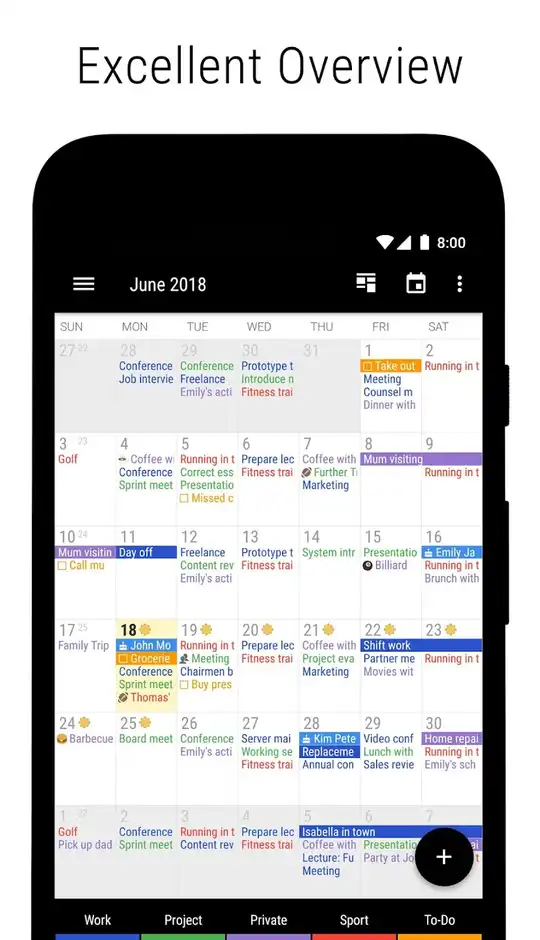
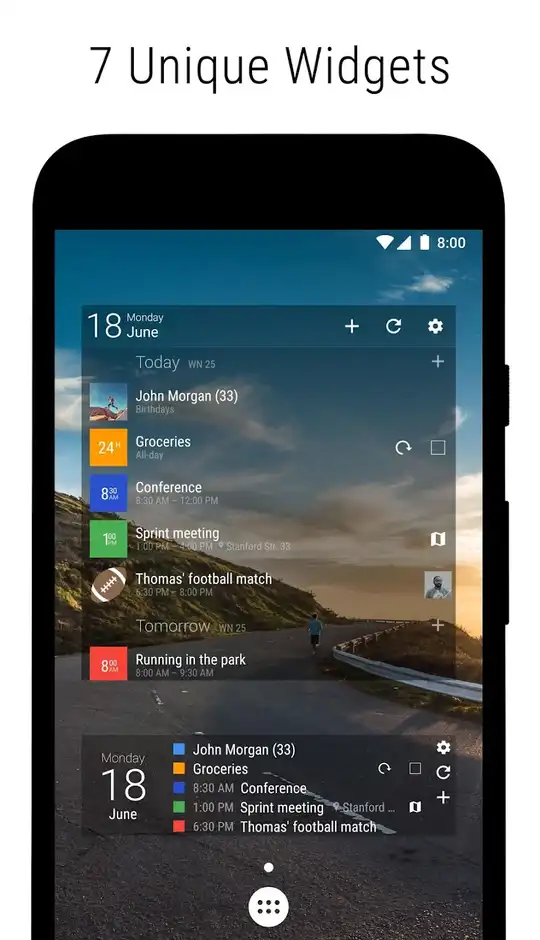
It is a calendar app that provides you all the tools needed for creating events and tasks. With it, you can schedule an event with all necessary details, date and time. You can also attach files with it like images. You can view the calendar in year, month, week & day view. Sync the calendar with your google accounts for events or create your local tasks. You can search for events, tasks or days with the search tool. It also comes with 7 unique widgets. Add any widget on your homescreen. You can edit the existing tasks, appearance of the app and easily switch between accounts.
User-Friendly Interface
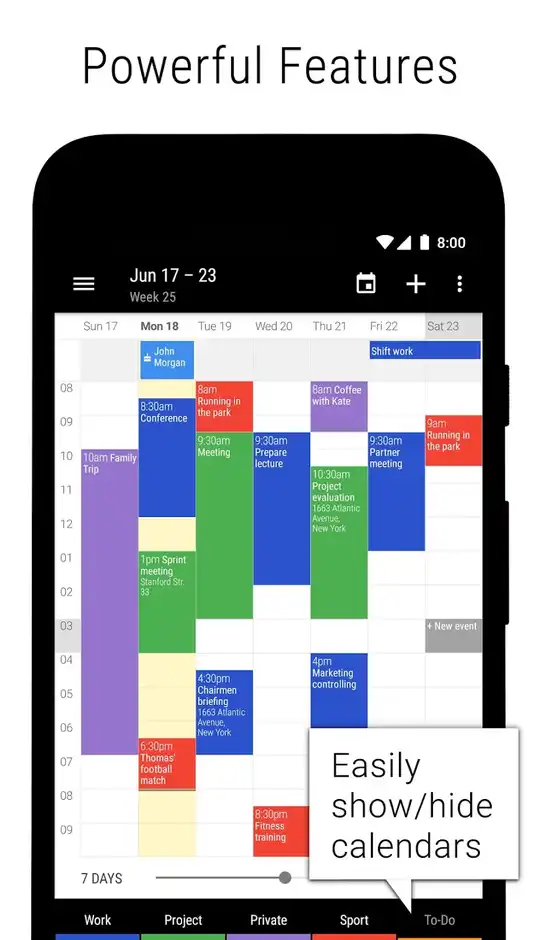
It has an easy-to-use interface. You can open the menu with the hamburger icon on the top left corner and select any calendar view from the options. On the bottom, it has a bar that shows all your connected accounts. You can select any account to see its events & tasks. Enable the week slider option from the top right corner. You can change the number of weeks it shows in the month view and number of days in the week view. Tapping on any day will show all its events and tap again on any event to see its details. Tap and hold to edit the event. You can select multiple days in the month view to open in week view.
Create Event & Task
Creating a new event is very easy. Tap on the date and tap the “+” option. You can also enable a floating button for creating events & tasks. You can select the starting date & time of the event and its ending date & time. If the event is for the full day, then you can tap on the all-day so you don’t need to enter time. You can add location, description and also attach files like photos, audio etc. It also has reminder functionality. Select the type of reminder you wanna recieve like notification or email. You can also add email to send the same reminder to someone else.
Themes
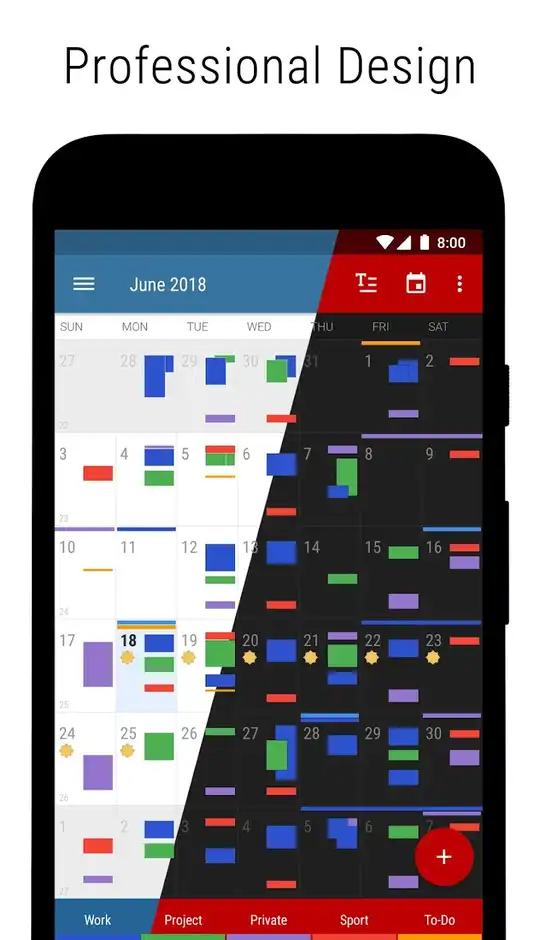
It comes with 22 awesome themes. With one tap, you can change the look of the app. Classic dark, full dark, snow white, blue moonlight, dark forest, warn sunrise, select any of the themes. You can also customize every element of the app. Apply the different colors to each day, change the color of status bar, action bar, favorite bar, drawer button etc. Not only the color, you can also change the size of the buttons and texts.


